


Coda W Setup Guide: Connect to Turntable

There’s something special about listening to vinyl. From the tactile feel of the records to the warm, analogue sound, it’s a listening experience many music lovers cherish. Whether you’re a seasoned collector or new to the world of turntables, setting up your system properly is key to getting the best sound.
In this blog, we’ll guide you through how to connect your turntable to Coda W, a speaker designed to deliver immersive sound with flexible input options. With both RCA phono and RCA line inputs, Coda W works seamlessly with most turntables, whether they include a built-in phono preamp or not, making setup simple and rewarding.
Understanding Turntable Outputs: Phono vs. Line
Before connecting your turntable, you need to know what types of outputs are available:
-
Phono output:
Available on turntables without an integrated phono preamplifier. The signal is weaker and needs to be amplified. -
Line output:
Found on turntables with an integrated phono preamplifier. The signal is already amplified and can be played back directly.
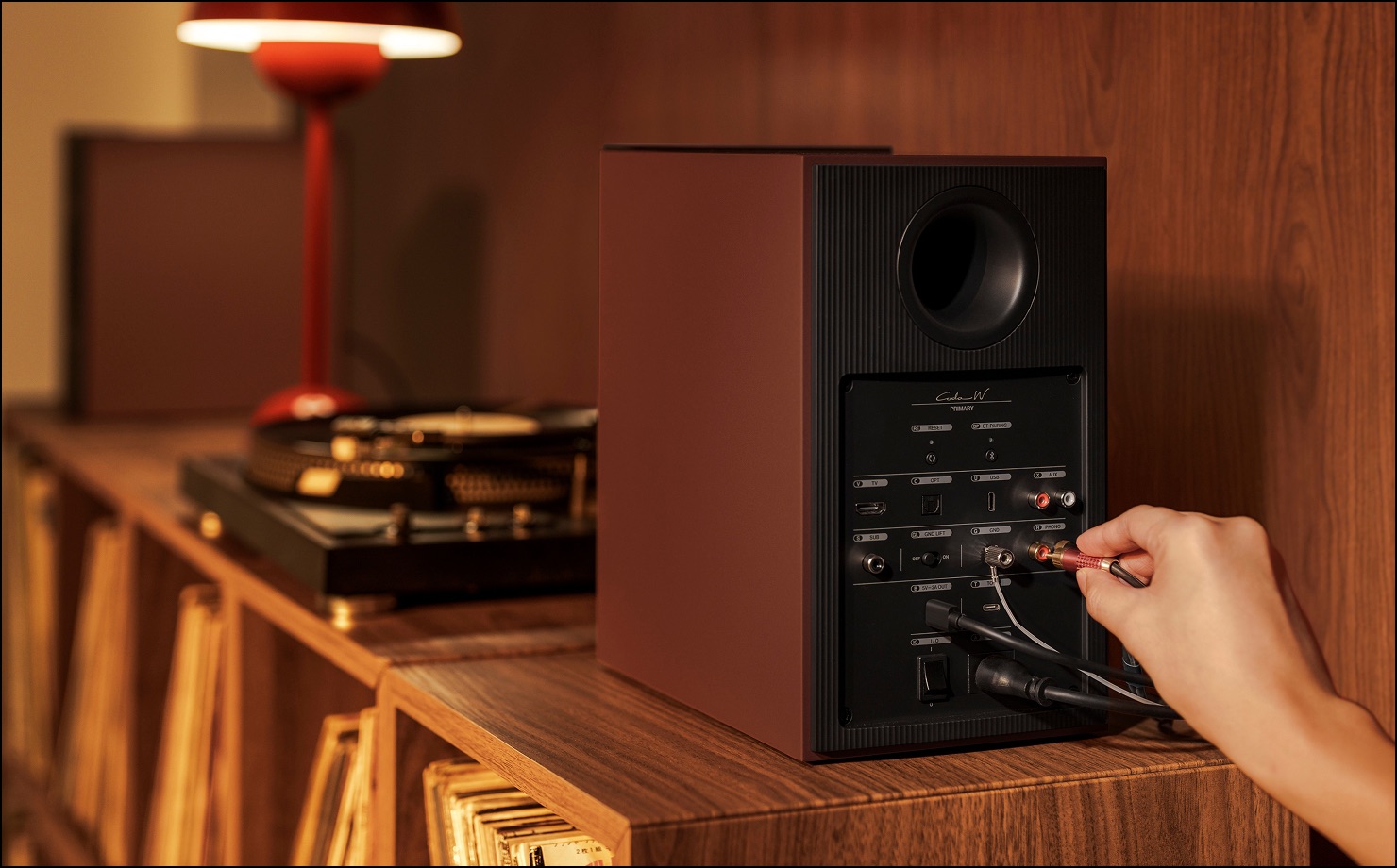
How to Connect Your Turntable to Coda W
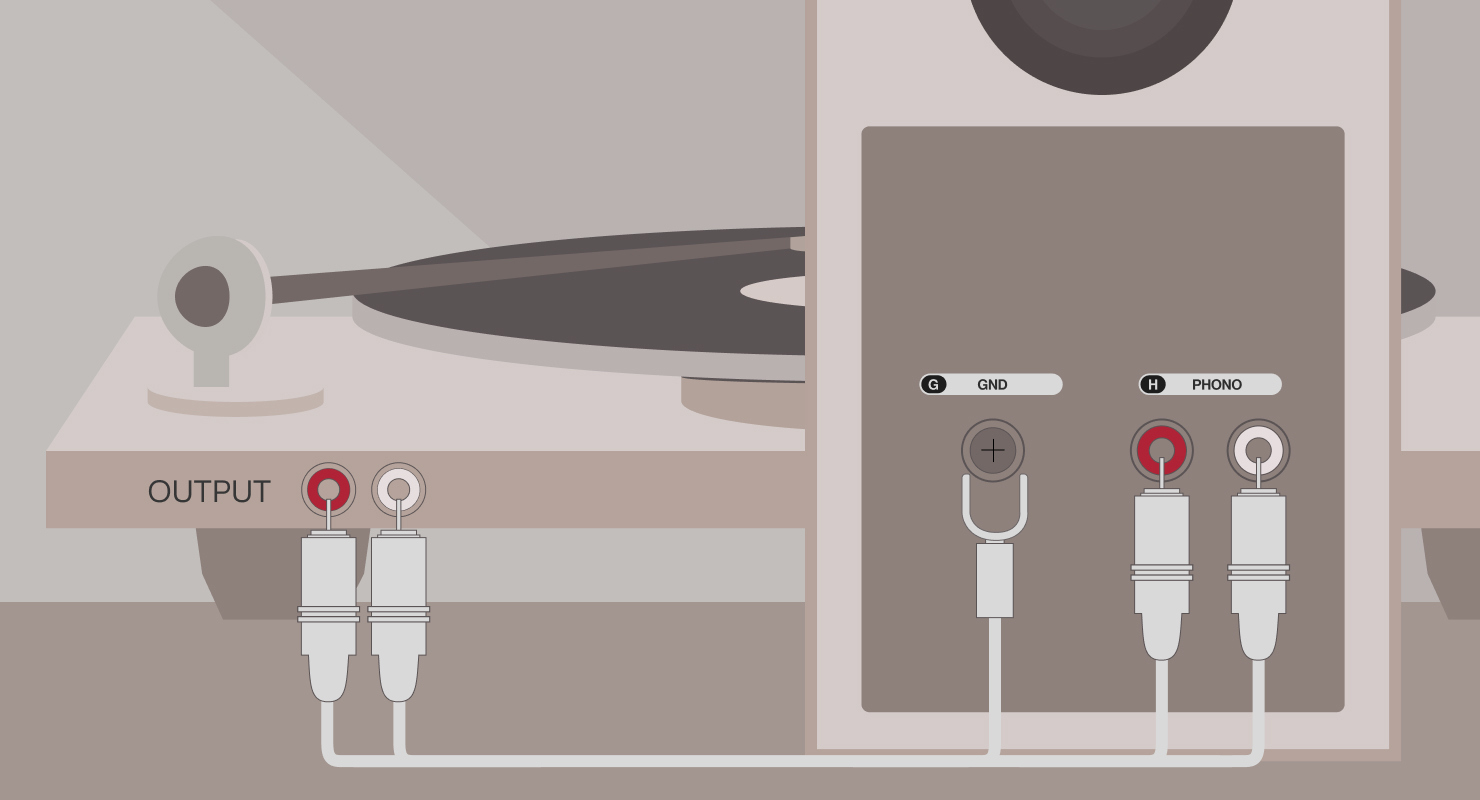
If your turntable does not have a built-in phono preamp:
- This PHONO input supports MM (Moving Magnet) cartridges, the standard cartridge type used in most turntables available today.
- Use an RCA cable to connect your turntable to the PHONO input (marked “H”).
- Attach the ground wire to the phono ground (marked “G”) by loosening the screw, placing the wire beneath it, and tightening the screw.
- Switch to Phono mode using the control panel, remote control, or KEF Connect App.
- The LED on the Primary Speaker turns light purple and dims when the connection is made.
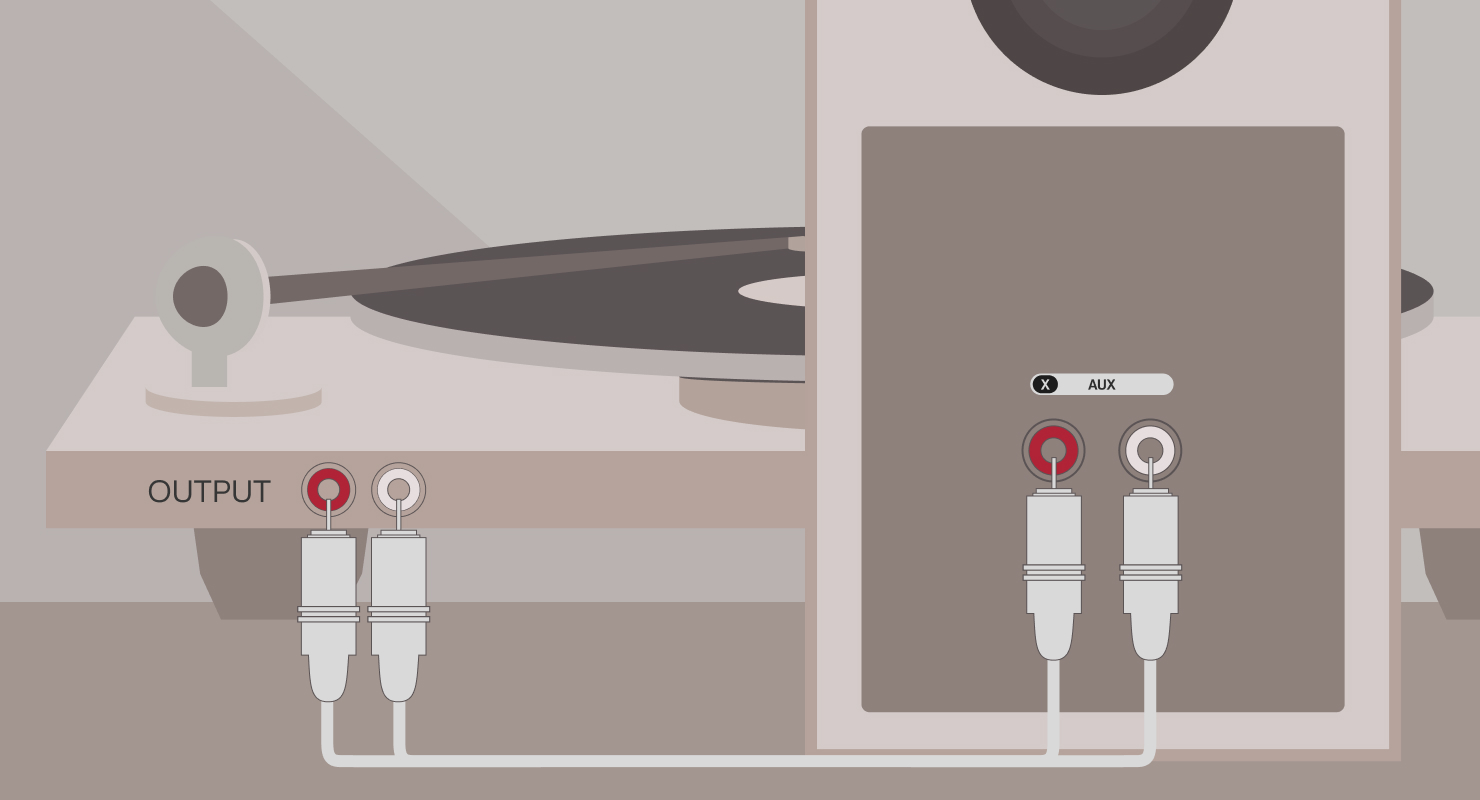
If your turntable has a built-in phono preamp:
- Use an RCA cable to connect your turntable to the AUX input (marked “X”) on the back of your Primary Speaker.
- Switch to AUX mode using the control panel, remote control, or KEF Connect App.
- The LED light on the Primary Speaker turns yellow and dims when the connection is made.
Tips for Getting the Best Vinyl Experience
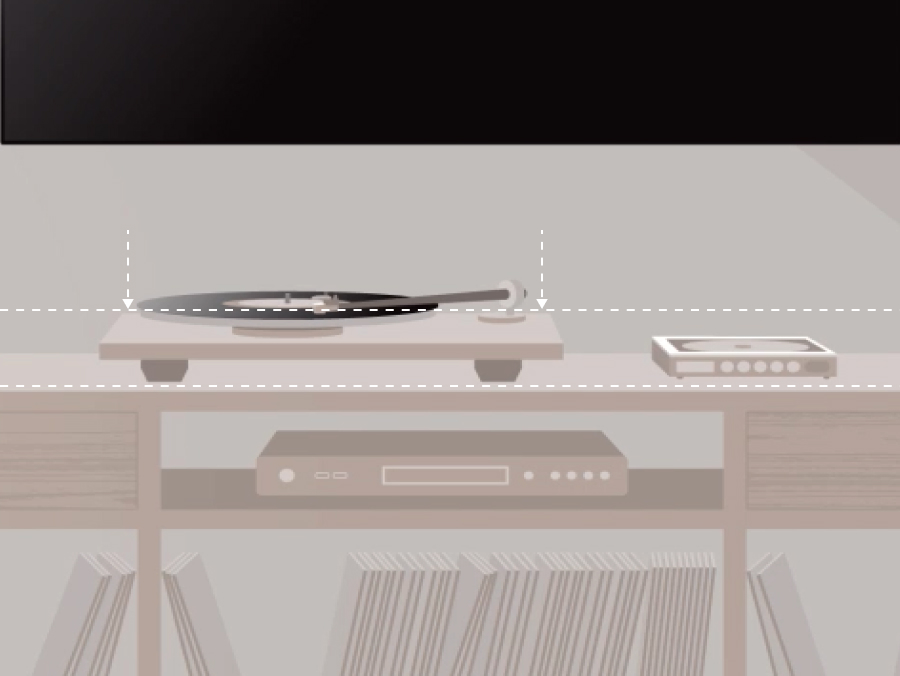
Level your turntable
A stable surface ensures accurate tracking.
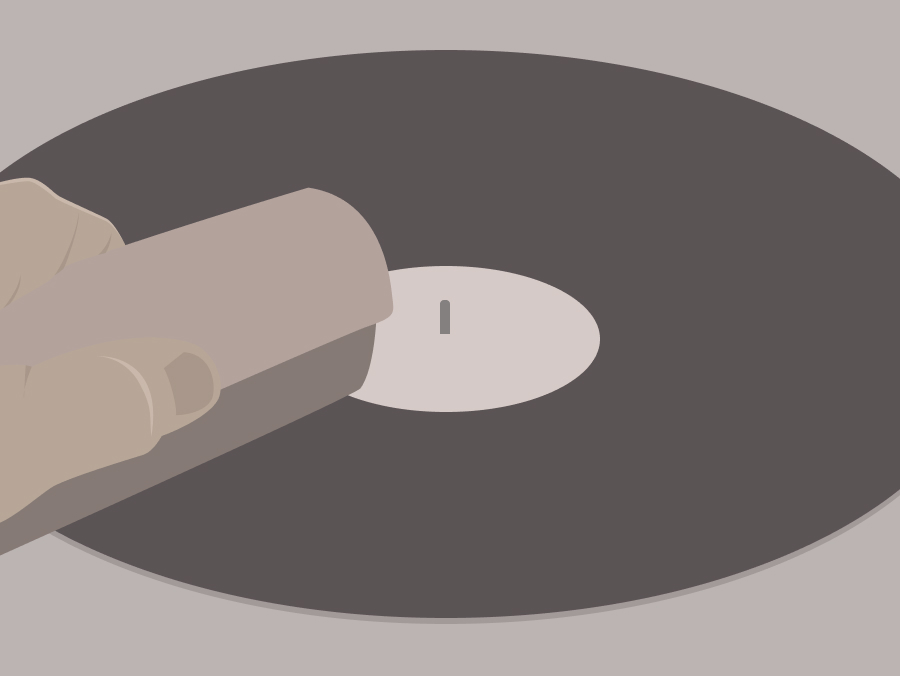
Clean your records
Dust affects sound quality and stylus wear.
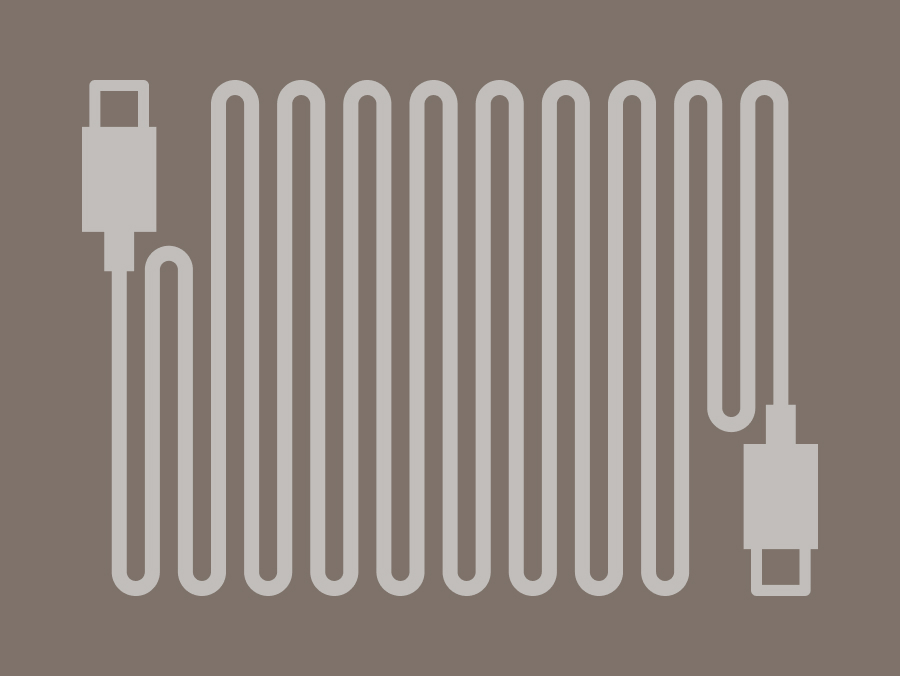
Use quality cables
Shielded RCA cables reduce interference.
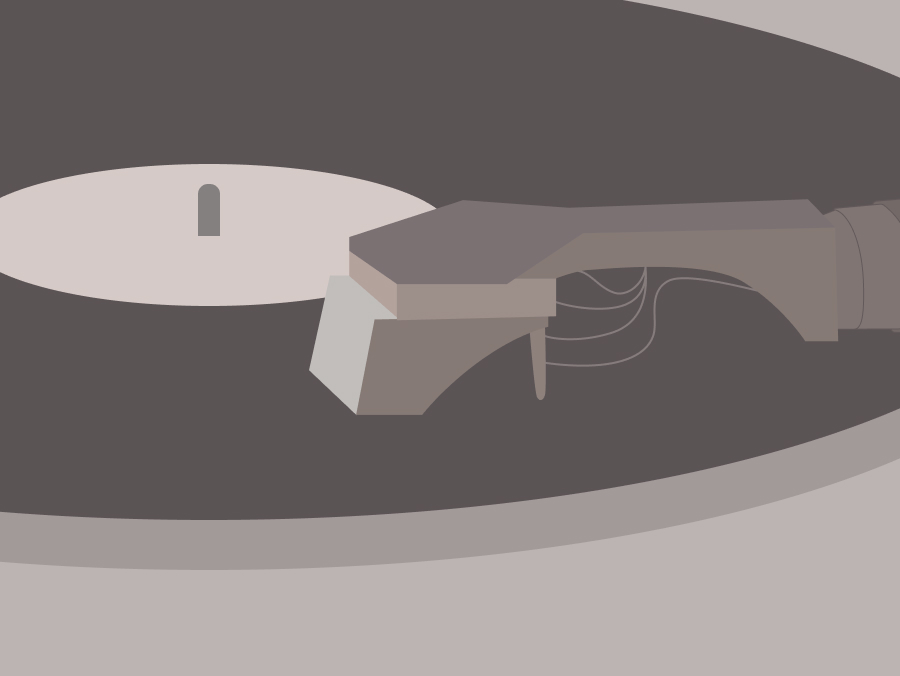
Check your stylus
Replace it regularly for optimal playback.


